Loading marketing page
Preparing the next public page and its content blocks.
Loading LexNigeriana
Preparing the next route and syncing the latest server data.
Loading marketing page
Preparing the next public page and its content blocks.
This public tour shows how Nigerian law firms can manage client records, case work, billing, and deadlines inside one connected workspace. Every preview below uses sample data only.
6 preview screens
Core law-firm workflows
Static assets
Safe for public marketing use
Sample records only
No live tenant reads
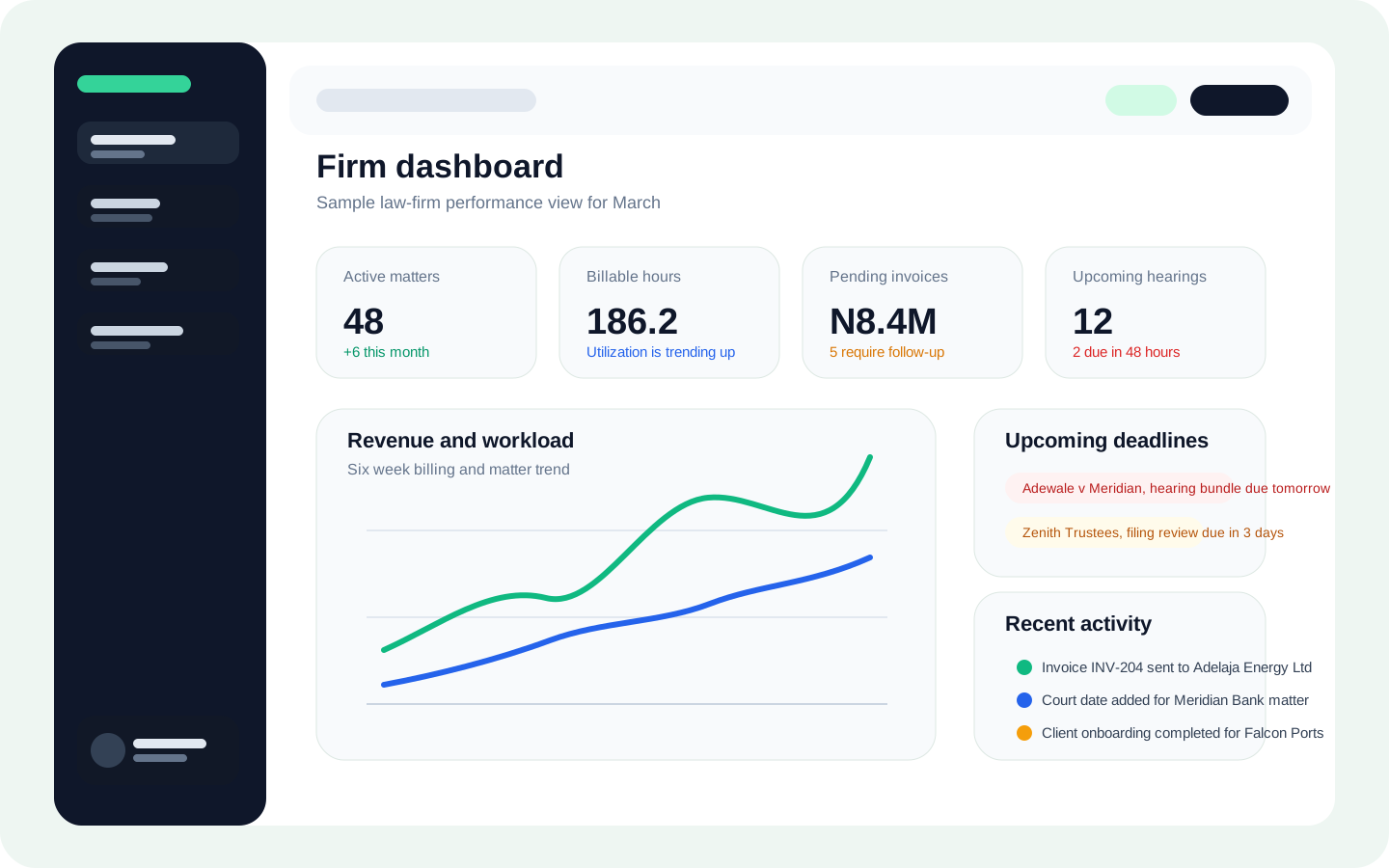
Every preview uses illustrative matters, invoices, deadlines, and client profiles. No live tenant data appears on this page.
This first tour follows the core law-firm journey from oversight and intake through client work, case progress, and billing.
The gallery is easy to share in demos, sales conversations, and stakeholder reviews before prospects log into the platform.
Tour Flow
Each stop below pairs a visual preview with the outcome it supports, so visitors quickly understand what the platform helps teams do.
Partners and team leads start with a dashboard that surfaces revenue signals, urgent deadlines, active matters, and recent team activity in one place.
Why this matters
Prospects can see the structure of the workflow without needing credentials, a guided setup session, or access to any real client records.
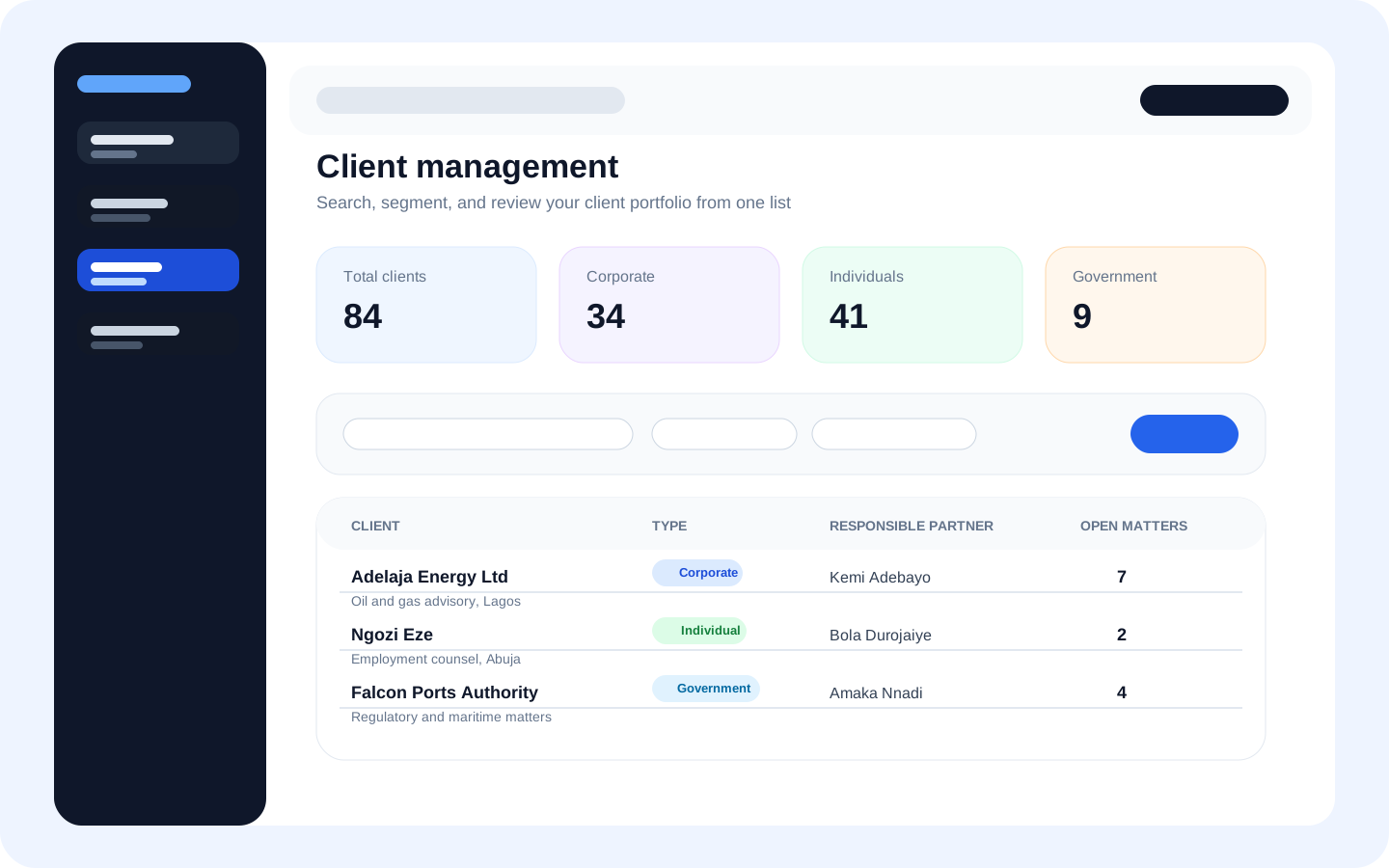
Browse individual, corporate, and government clients from a searchable workspace with quick totals, ownership context, and structured records.
Why this matters
Prospects can see the structure of the workflow without needing credentials, a guided setup session, or access to any real client records.
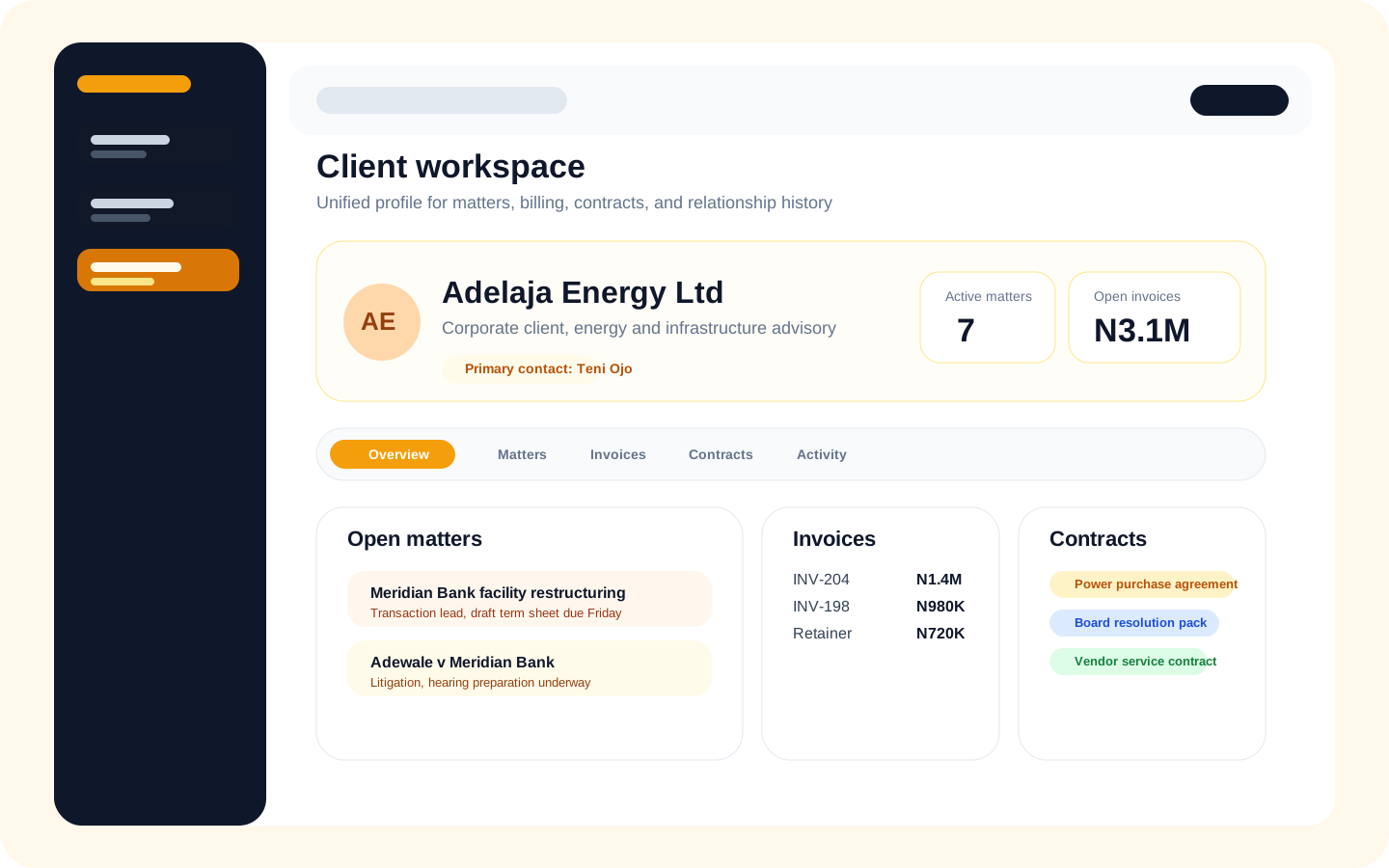
A client profile pulls together active matters, open invoices, contracts, contacts, and recent updates so teams can move faster during reviews.
Why this matters
Prospects can see the structure of the workflow without needing credentials, a guided setup session, or access to any real client records.
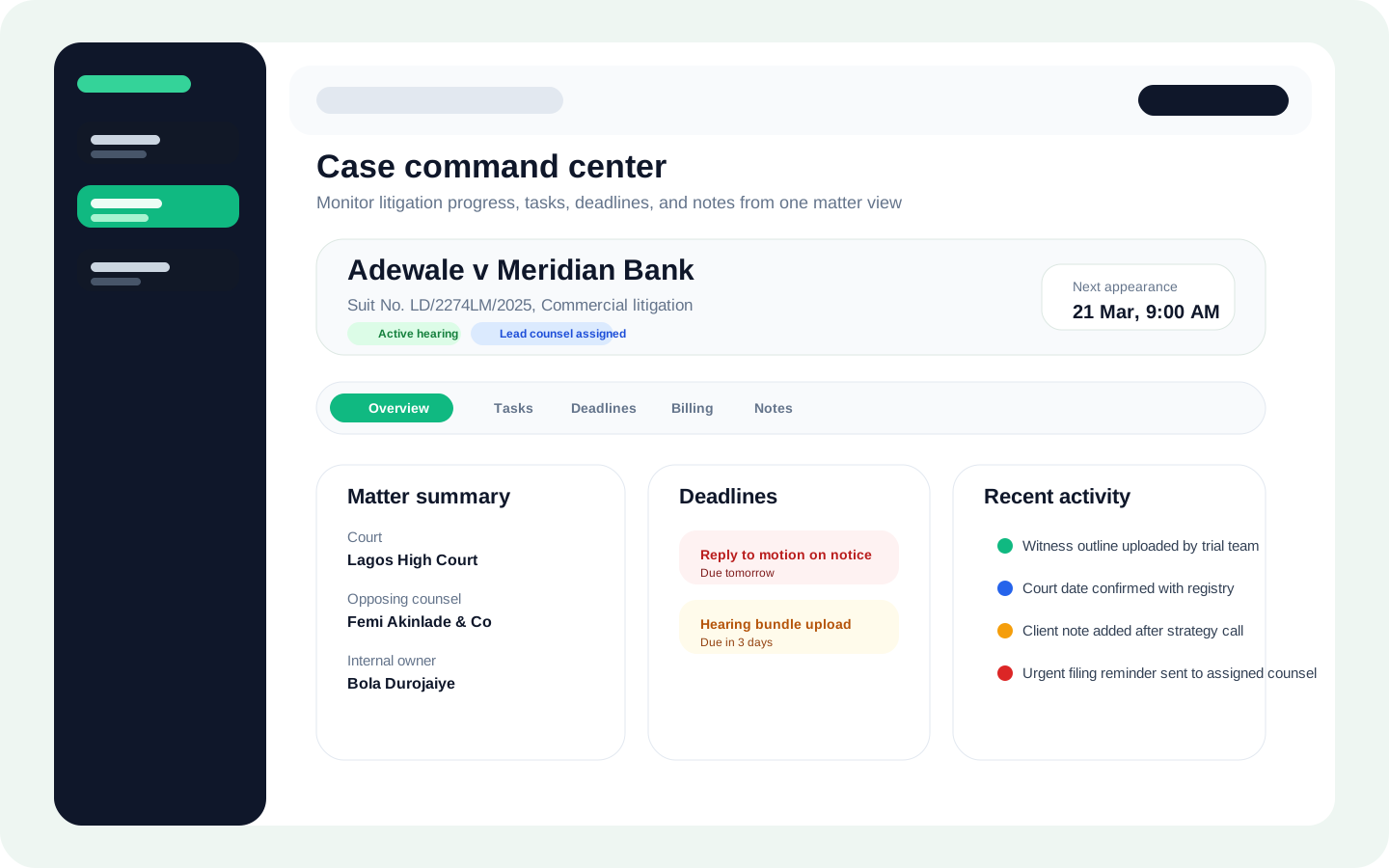
Case teams can monitor hearings, deadlines, tasks, notes, and recent activity from a single detail view instead of jumping across multiple tools.
Why this matters
Prospects can see the structure of the workflow without needing credentials, a guided setup session, or access to any real client records.
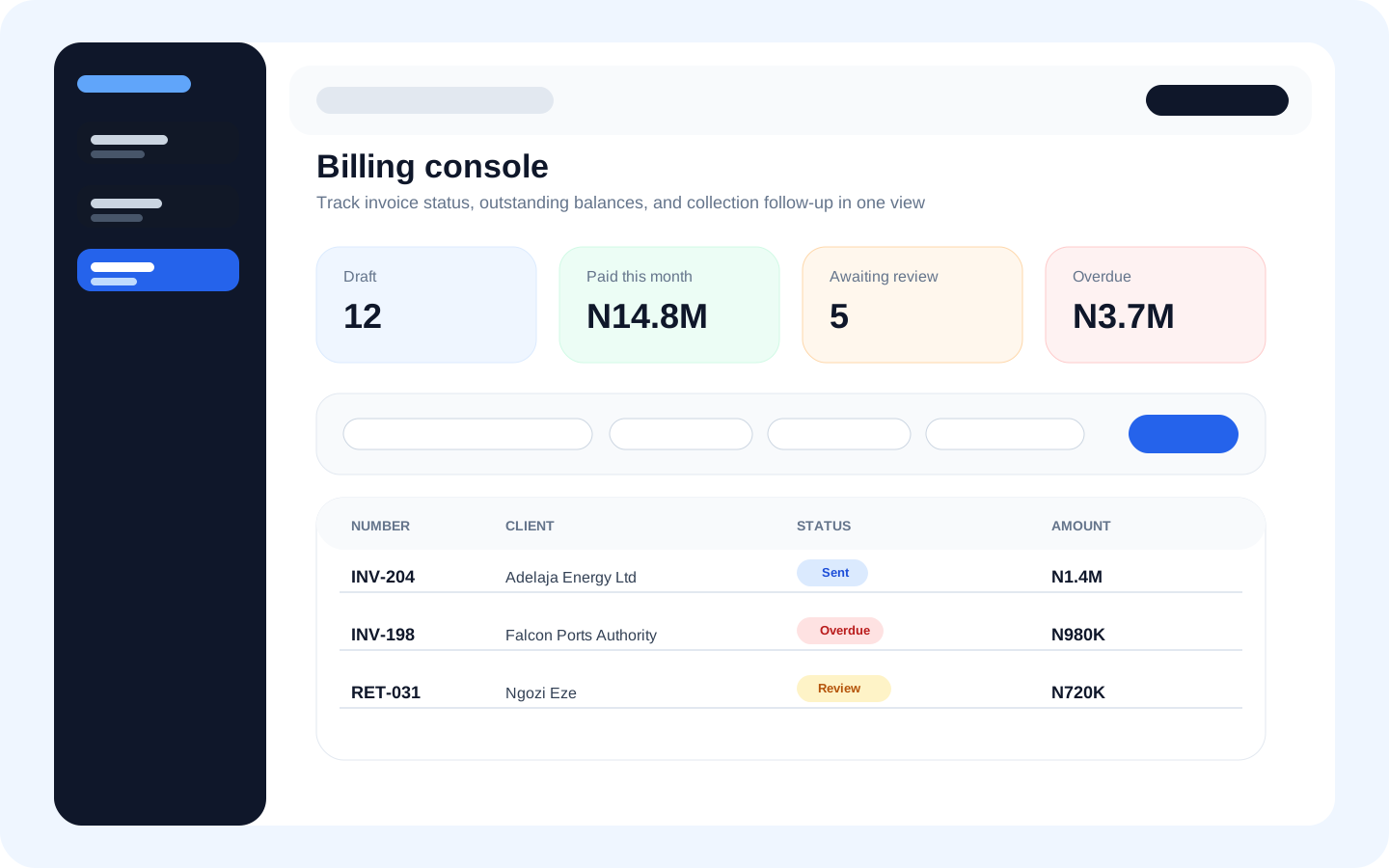
Invoice teams can sort drafts, sent bills, and overdue balances from a single billing console with quick filters and amount summaries.
Why this matters
Prospects can see the structure of the workflow without needing credentials, a guided setup session, or access to any real client records.
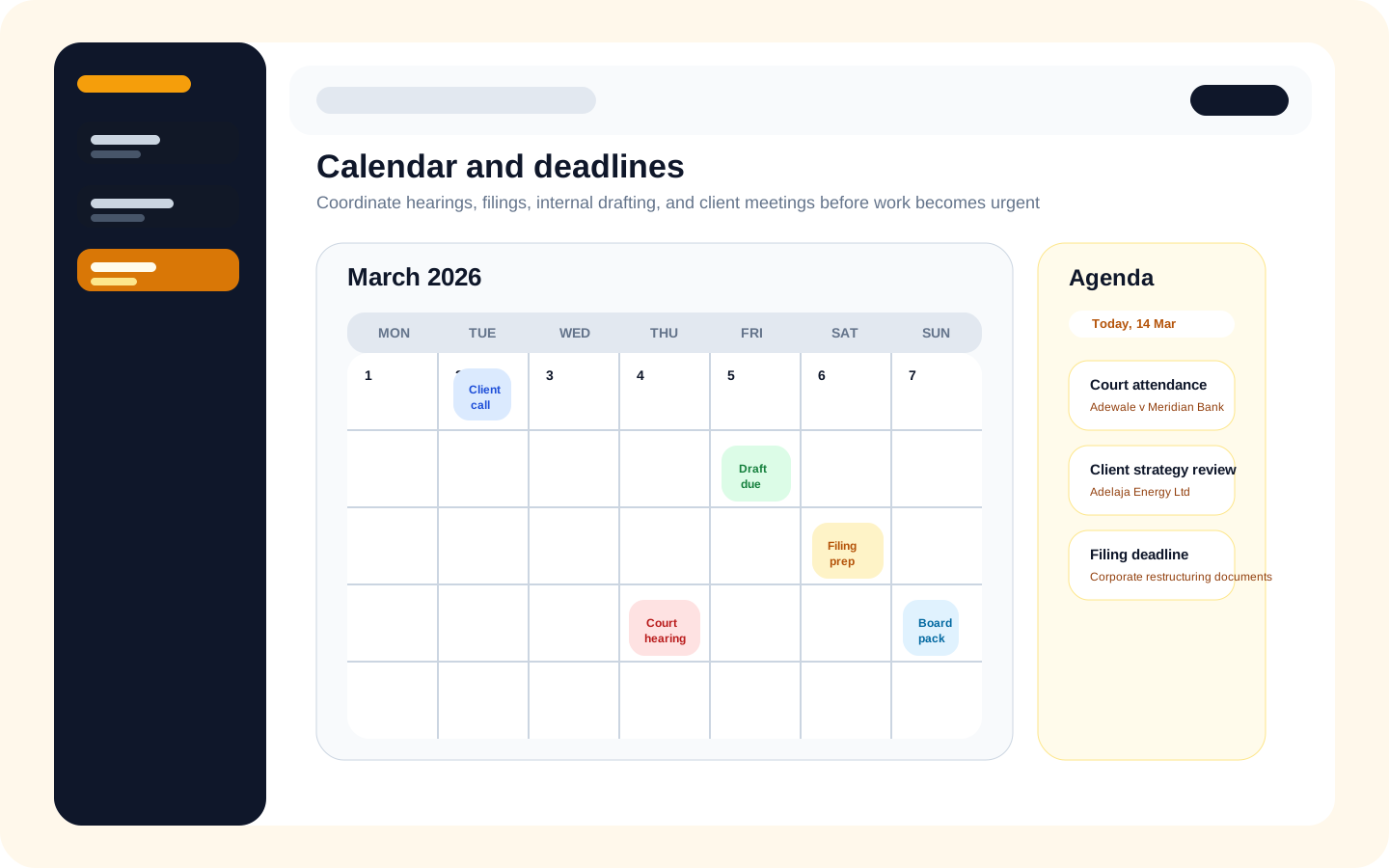
The calendar view helps teams coordinate court dates, drafting windows, client meetings, and filing cutoffs before they become urgent.
Why this matters
Prospects can see the structure of the workflow without needing credentials, a guided setup session, or access to any real client records.
What This Covers
The tour is designed to support the first sales conversation. It highlights dashboard oversight, client management, case coordination, billing operations, and deadline planning in a format that feels concrete and safe to share.
Dashboard
Clients
Client workspace
Case detail
Invoices
Calendar
Next Step
Share the public tour with stakeholders, then book a live walkthrough for their practice area, team structure, and billing workflow.